
01
360p and 480p
These are lower-resolution options often grouped under SD. They use storage and can be practical for casual viewing on smaller screens.
Threads videos do not all look the same after downloading. One clip may appear sharp on a phone while another looks soft on a screen. The difference can come from resolution, compression, bitrate the quality of the upload and the version of the video that is available for download.
Understanding these factors can help you choose the file instead of simply selecting the largest option.
This guide explains Threads video quality in terms including HD, resolution, file size, MP4 format and why some downloaded videos look better than others.
The quality of a Threads video starts with the source.
If the creator uploads a low-quality clip a downloader cannot restore detail that was never there. The platform may also. Compress uploaded media before it is served to viewers.
Several things affect how the video looks:
This is why two videos with the resolution can still look different.
Resolution describes how many pixels make up the video image. Common examples include:
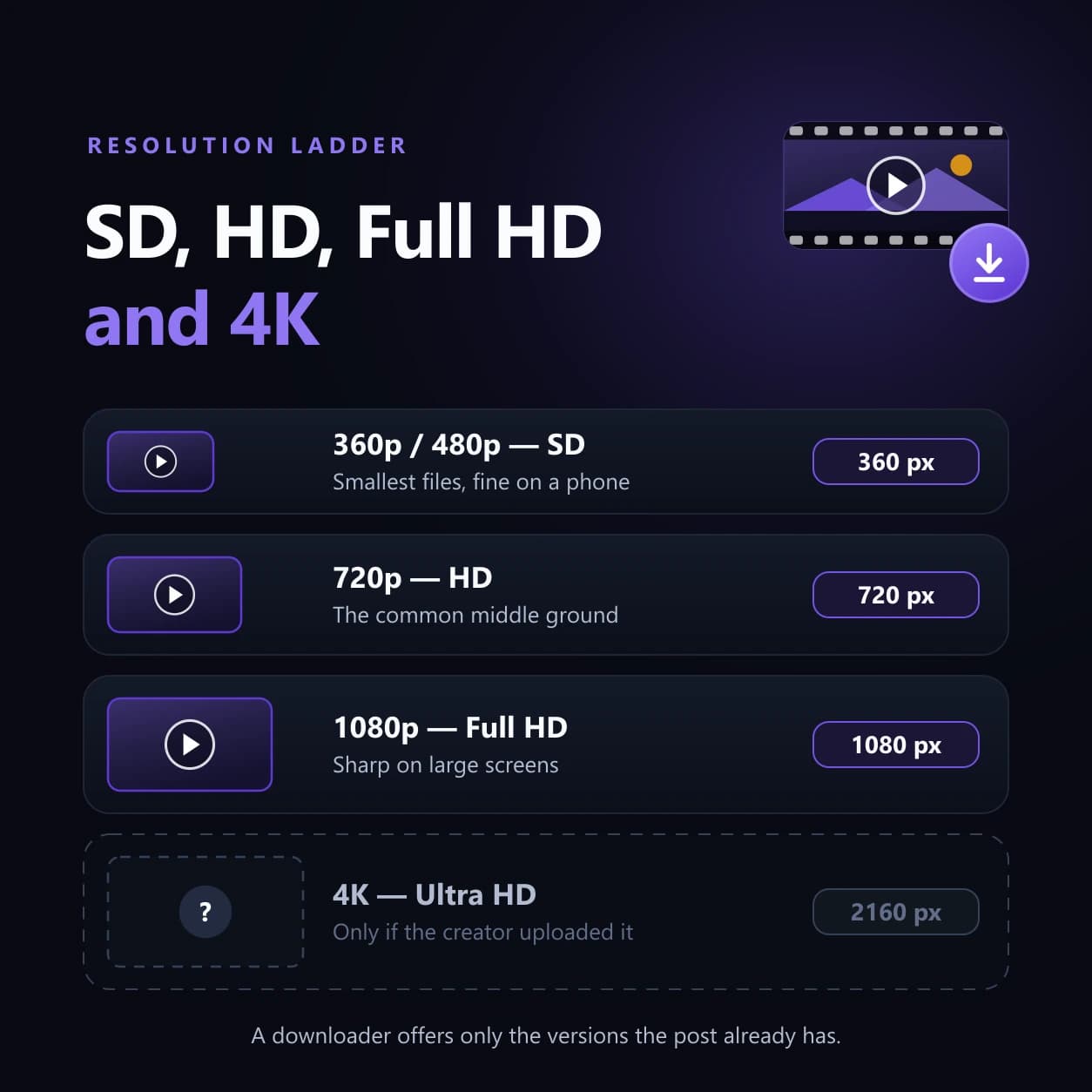
These are lower-resolution options often grouped under SD. They use storage and can be practical for casual viewing on smaller screens.
720p is commonly described as HD. It usually gives a picture than lower-resolution versions while keeping file size more manageable than higher-quality files.
1080p is often called Full HD. It can look better on displays especially when the source video contains enough detail.
The exact options available for a Threads video depend on the source media. Not every post will provide all of these resolutions.
Resolution is one part of video quality.
A 1080p video with compression can look worse than a well-encoded 720p video.
Other factors include:
A video recorded in light or already compressed several times may still look soft even if the downloaded file shows a high resolution.
If you do not see an HD option it does not always mean the downloader has a problem.
Possible reasons include:
A Threads Downloader can only offer versions it can access from the post.
It cannot create HD or 4K detail from a lower-quality source.
Downloading itself does not automatically make a video worse.
The result depends on which version of the media's available for download.
If the downloader saves a processed version from Threads that file may not be identical to the creators original upload.
The important difference is between:
original upload quality and available downloadable quality.
A downloaded video can still look very good. It should not automatically be described as the untouched original file.
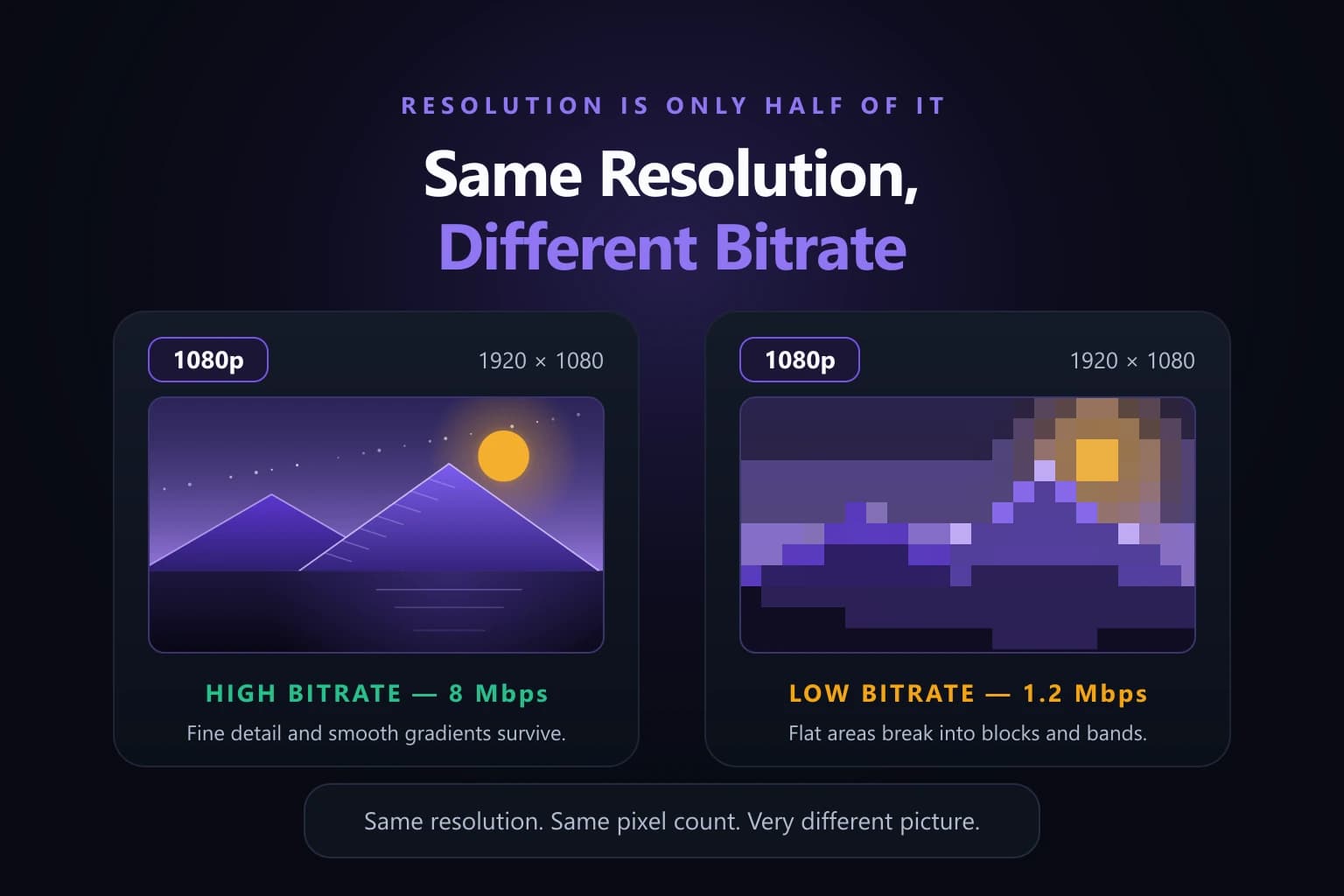
Resolution tells you how many pixels are in the frame.
Bitrate describes how much data is used to represent the video over time.
A higher bitrate can preserve detail especially in scenes with movement, textures or changing backgrounds.
This means two 1080p files can have different visual quality.
One may use data and preserve detail well while another may be heavily compressed and show blur or blocky areas.
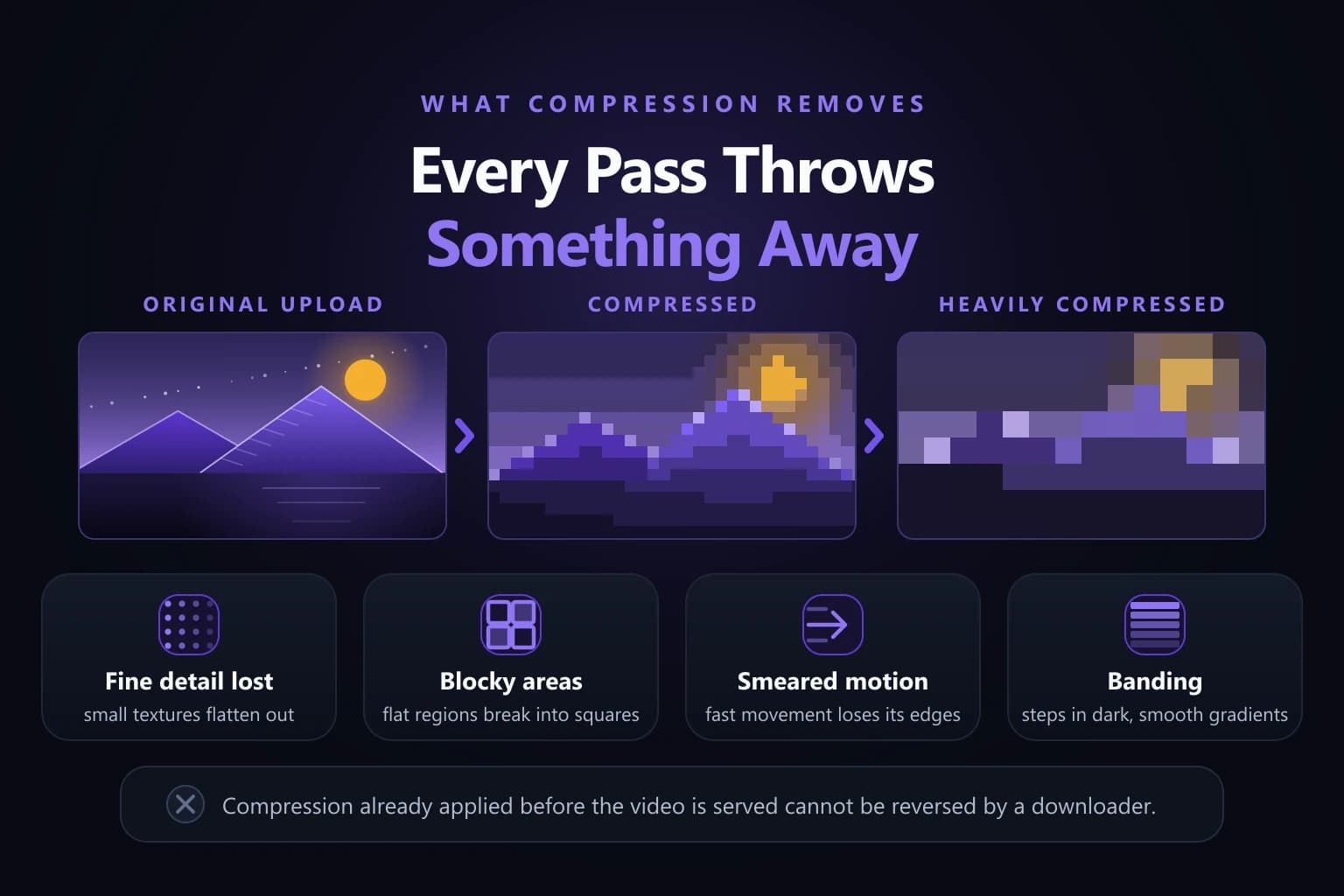
Video compression reduces file size by removing or simplifying information.
Without compression video files would be much larger.
Moderate compression can reduce storage without making a visible difference. Strong compression however can lead to:
A downloader cannot reverse compression that has already happened before the video becomes available.
Usually yes but resolution is not the only factor.
File size also depends on:
A short 1080p video may be smaller than a longer 720p video.
For this reason file size alone should not be used as proof of quality.
The best option depends on how you plan to use the file.
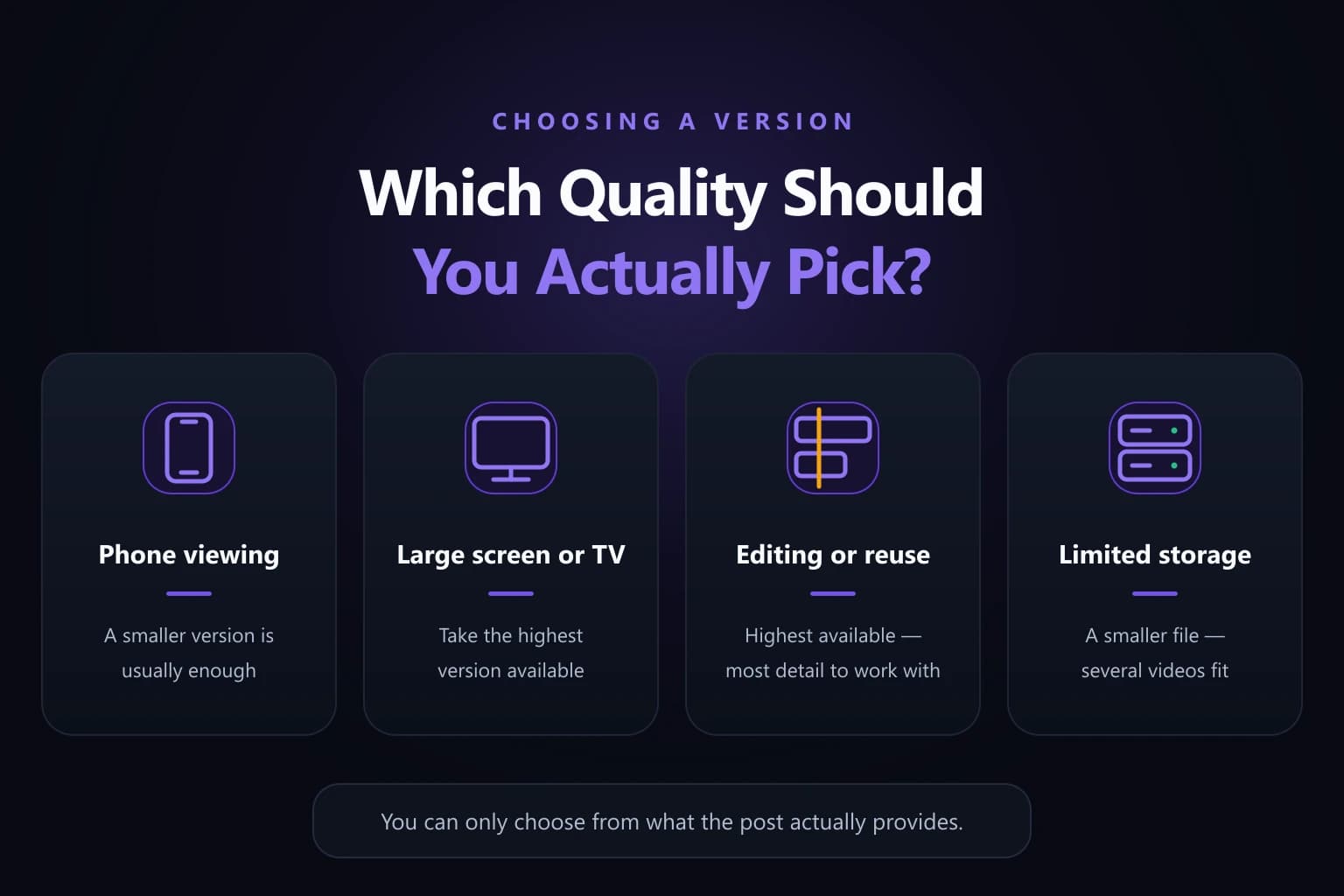
A version may be enough for casual viewing on a phone especially when storage or mobile data is limited.
Choose a higher available quality if you plan to watch the video on a monitor, television or larger tablet. Low-resolution media becomes more noticeable as the display gets larger.
If you have permission to edit or reuse the content choosing the highest available quality gives you more visual detail to work with.
A file may be the better choice if you are saving several videos or have little free space on your device.
Threads videos may be available in a supported format such as MP4 when that option is provided.
MP4 is commonly used because it works with modern:
However MP4 is a container format. Playback can also depend on the video and audio codecs inside the file.
This is why an MP4 can occasionally work in one player but fail in another.
Only if a genuine 4K version is actually available from the source.
A downloader cannot take a 720p or 1080p video. Create real missing 4K detail simply by changing the label or file size.
Upscaling can increase pixel dimensions. It does not recreate the original detail that was never captured.
For downloads the safest approach is to choose the best available quality shown for the post.
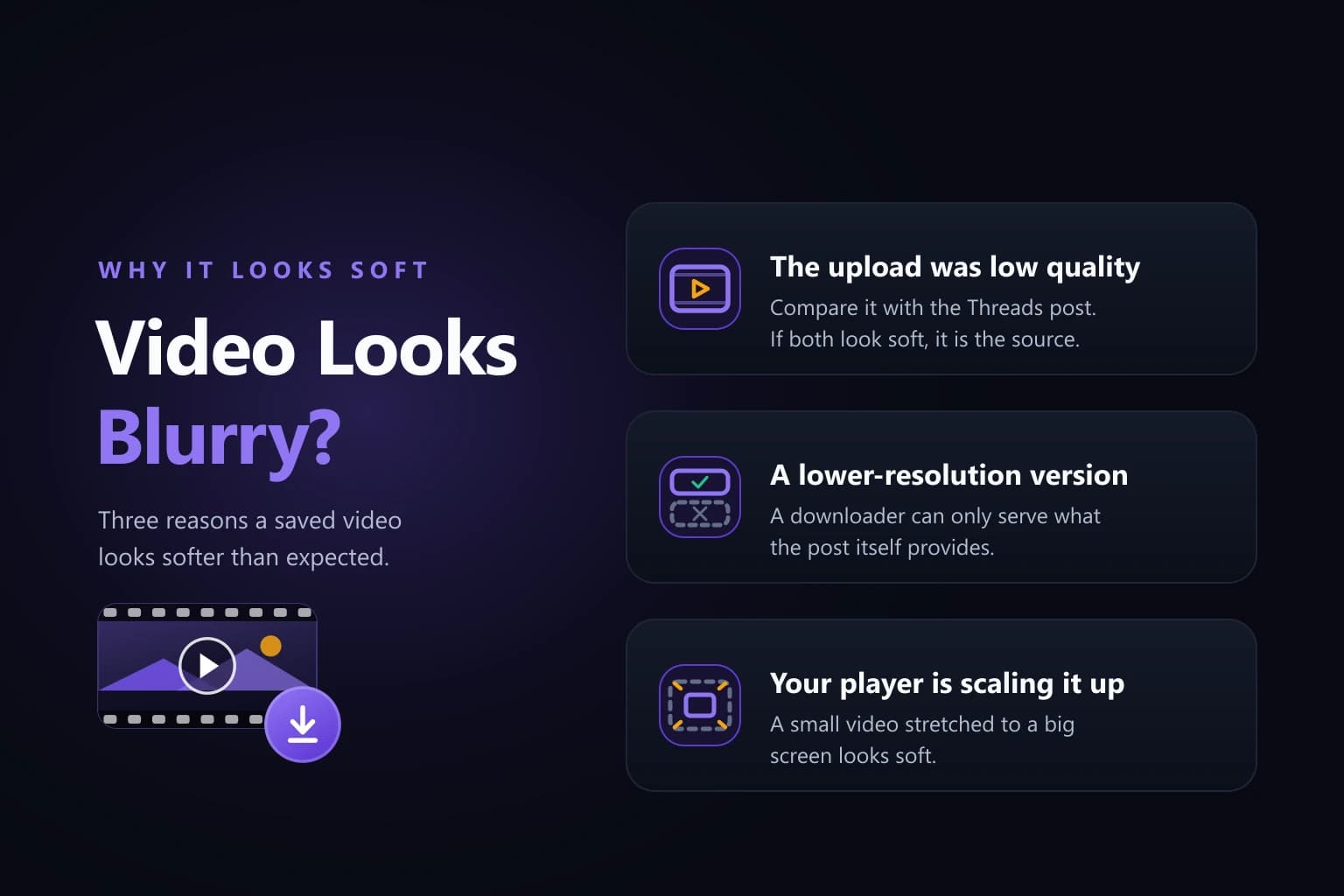
A downloaded video can look blurry for reasons:
Compare the downloaded file with the Threads post.
If both look similar the limitation probably comes from the source media than the download process.
Choose the highest available version when visual quality matters. The actual options depend on the source post.
Not necessarily. Bitrate, compression and source quality also affect how the final video looks.
Not automatically. The result depends on the media version from the source.
The original post may not provide a higher-quality version or one downloadable version may be available.
No. Duration, bitrate, frame rate, compression and audio also affect file size.
No. Increasing resolution cannot restore detail that was missing from the source.
Threads video quality depends on more, than a HD or SD label. Resolution, bitrate, compression, source quality and screen size all affect how the downloaded file looks.
For phone viewing a smaller version may be enough. For screens editing or long-term storage the highest available quality is usually the better choice. The key is to work with the quality that actually exists in the source than expecting a downloader to create detail that was never there.