Guide

Threads Image Downloader to Save Photos and Carousels in Full HD

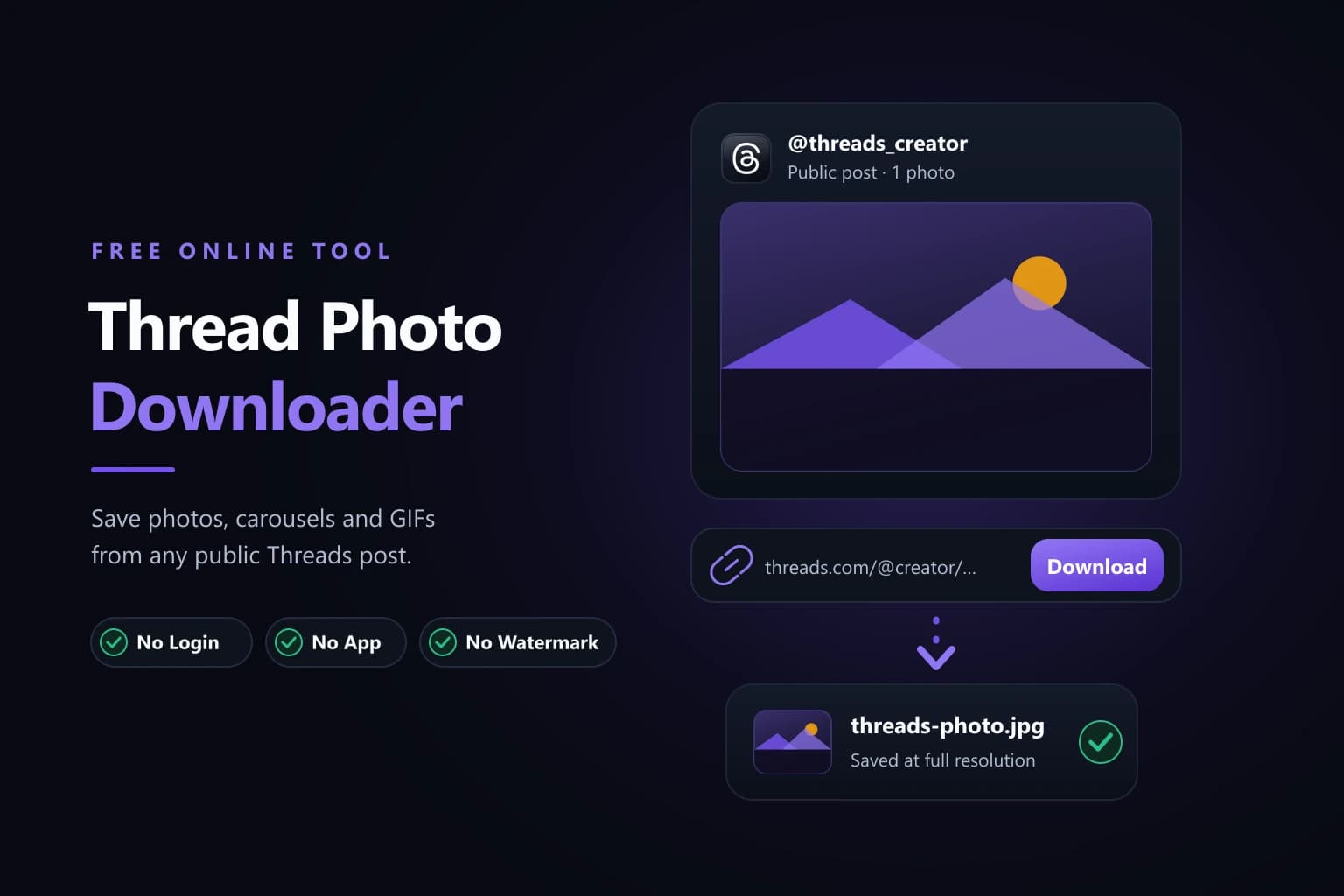
Threads gives you no save button, and a screenshot throws away detail you cannot get back. Copy the post link, paste it here, and save each photo as its own full-size JPG.

01 / Overview11 sections

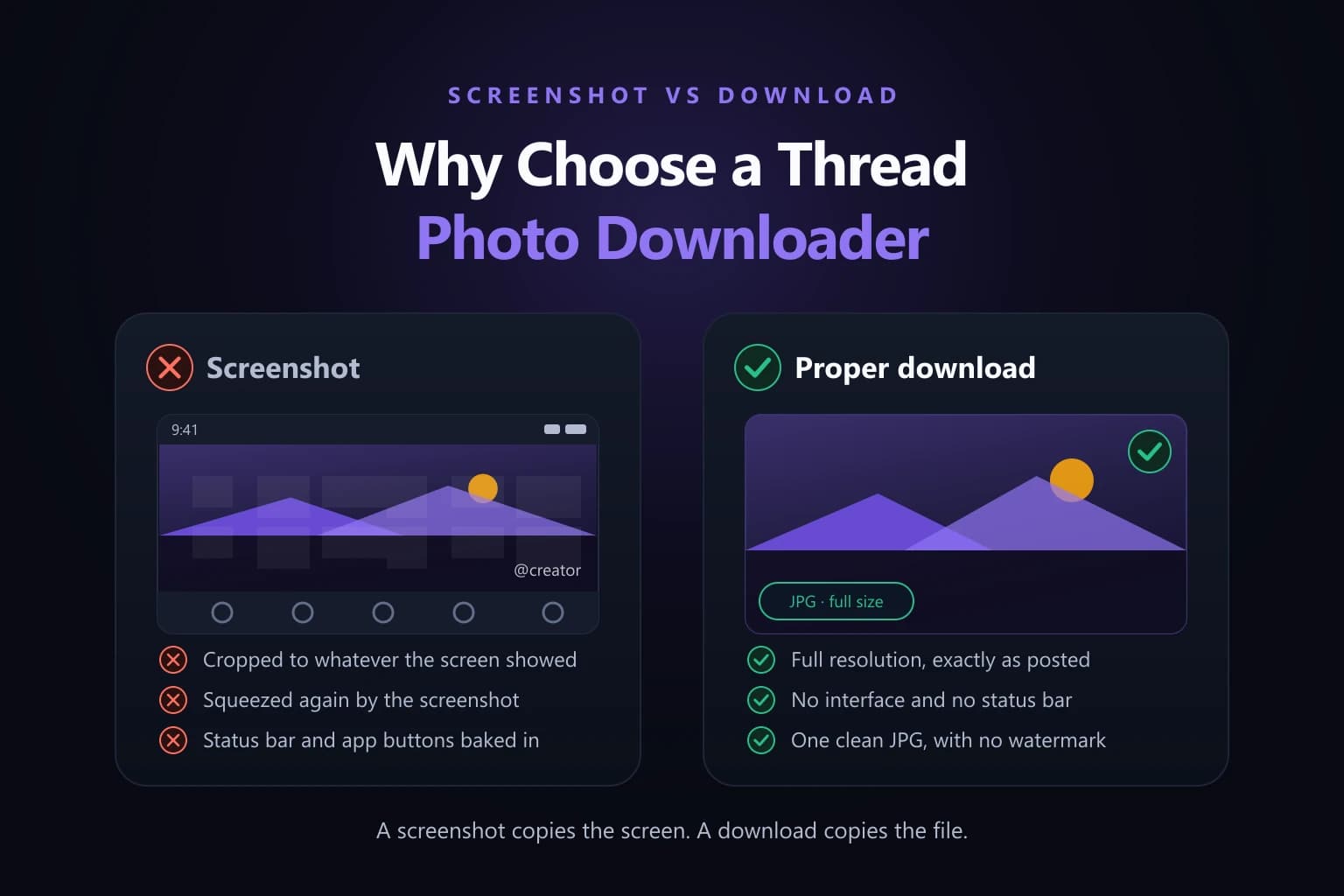
Threads has no download control for photos. Long-pressing an image does nothing useful, and the share menu only ever hands back a link, so most people fall back on a screenshot. A screenshot is a re-photograph of your own screen: it is capped at your display resolution, re-compressed on the way out, and often carries interface chrome along the edges. This guide covers the alternative — pasting the post link into a Threads image downloader — and is honest about the two limits that apply no matter which tool you use: only public posts can be reached, and the original upload sets the maximum quality.

02 / About

What a Threads Image Downloader Actually Does

Threads image downloader guide title card: a stack of three photo frames beside the Threads app tile and a violet download badge
02 — Paste the link to a Threads post and save its photos and carousels at the resolution the creator uploaded.

A Threads image downloader takes the address of one post and returns the photo files that post contains. That is the whole mechanism, and understanding it explains almost every result you will get from one.

Because it works from a URL, the single detail that decides success is which URL you hand it. A profile link opens somebody's account: their bio and a running list of everything they have published. A post link opens one post, the one holding the photo you want. A downloader looks for media at the exact address you give it, so a profile URL gives it nothing specific to fetch. This is the most common reason a download fails before it has really started, and the fix is always the same — open the individual post first, then copy from there.

Everything else is ordinary. You need a browser and a connection, and that is the entire list. There is no account to create and nothing to install, which also means there is no app with storage permissions sitting on your phone afterwards.

The reason to bother at all is quality. A screenshot is bounded by your screen and re-encoded by the operating system, so a 1440-pixel-wide upload viewed on a 390-pixel-wide phone becomes a 390-pixel-wide file. Saving the image itself keeps the pixels the creator actually uploaded.

03 / Steps4 steps

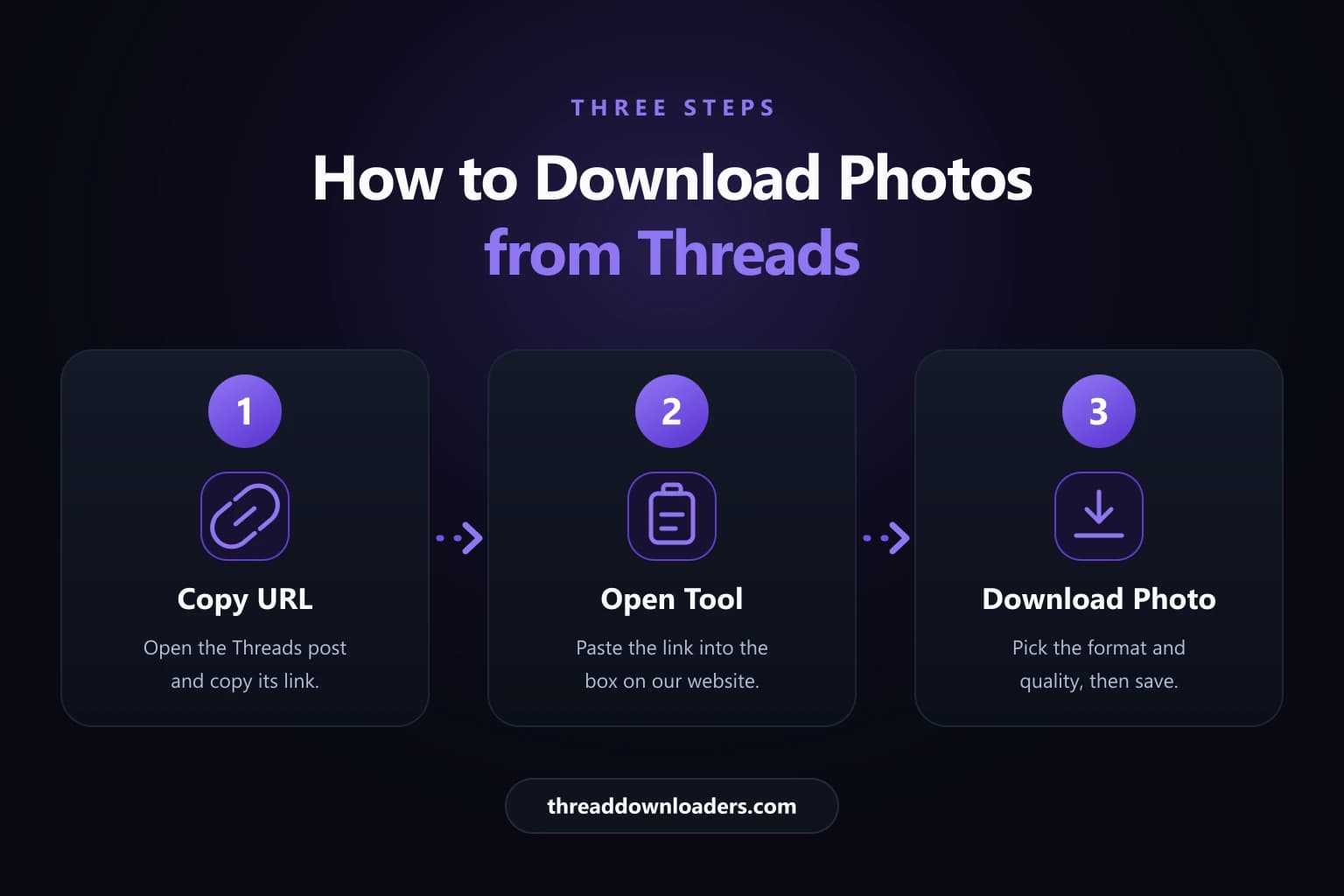
How to Download Threads Photos in Four Steps

The sequence is identical on a phone and on a computer. Work through it in order and pay attention to the second step, because the link is what everything after it depends on.

  1. Step 01

    Open the individual Threads post that holds the photo or carousel you want, rather than staying on the creator's profile or scrolling past the image in your feed.

  2. Step 02

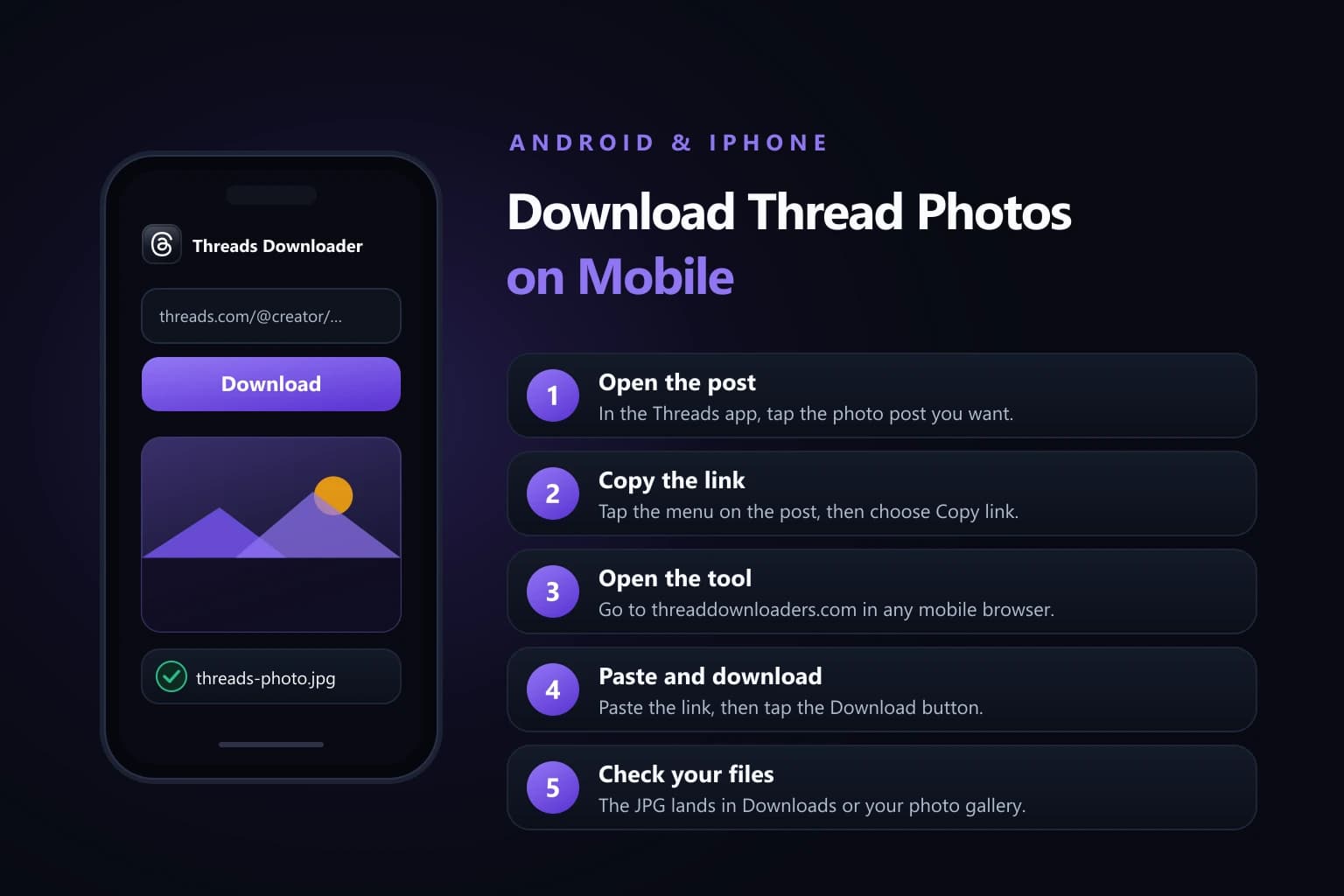
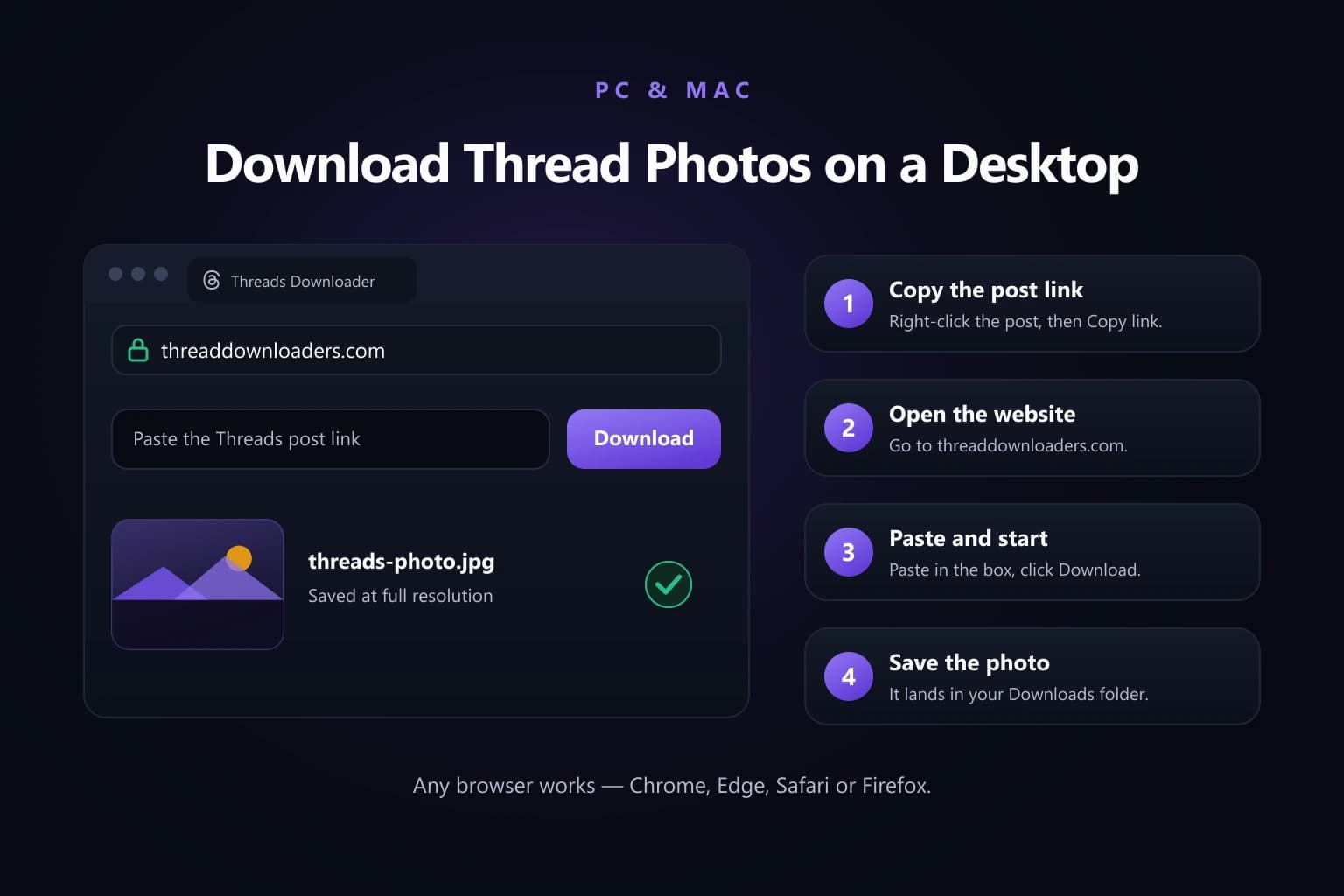
    Copy that post's link. On a phone, tap the share icon under the post and choose Copy link. On a computer, take the URL straight from the address bar once the post is open.

  3. Step 03

    Open the downloader on this site and paste the copied URL into the input box. Nothing is installed at this point, which is why the browser route is the quickest one.

  4. Step 04

    Submit the link and save what you are offered. The tool lists every image the post holds, and you save each JPG in turn; your browser handles the rest of the transfer.

Four steps to save a Threads photo: open the post, copy the link, paste it into the downloader, then save each JPG
03 — Open the post, copy its link, paste it into the downloader, then save each photo as its own full-resolution JPG.
04 / Carousels

Saving a Whole Carousel Without Missing a Shot

A Threads carousel shown as four numbered photo frames, each with its own Save JPG button beneath it
04 — Carousel images are listed in upload order and saved individually, each at full resolution rather than merged into one strip.

A Threads carousel can hold up to ten images. The downloader lists them in upload order, one row per photo, and you save them one at a time. Each file arrives as its own full-resolution JPG — never a merged strip or a collage, which would be useless for anything you actually wanted the photos for.

Ten taps for ten images still beats ten screenshots, and the files are genuinely different: the screenshots would be capped at your screen size, and these are not.

One habit saves future you a lot of irritation: make a folder for the carousel before you start, and rename the files as you save them. Downloaders name files from the source, so ten of them land in your Downloads folder with near-identical names and no clue which is which. Sorting that out later is much harder than spending five seconds on it now.

Profile pictures work slightly differently. Copy the profile link — the one ending in a username, with no /post/ in it — and paste it exactly as you would a post link. The tool pulls the profile image at the largest size Threads serves. Sometimes that is a crisp square file; sometimes it is smaller, because the original upload was smaller. The ceiling is always the upload.

05 / Guide4 records

Where the Downloaded Threads Photo Is Saved

Your device and browser decide the destination, not this site. We hand the file to the browser and the browser files it. So "where did it go" is really a device question, and if the photo is not where you expected, check these places before deciding the download failed.

Where downloaded Threads photos are saved on iPhone and iPad, on Android, and on PC and Mac, shown as three device cards
05 — The browser picks the destination: the Files app on iPhone, the downloads list on Android, and the Downloads folder on PC and Mac.
01

iPhone and iPad

Safari does not put web downloads into Photos, which surprises almost everyone the first time. The JPG lands in the Files app under Downloads. To move it into your camera roll, press and hold the file, choose Share, then Save Image — about thirty seconds, and you only have to learn it once.

02

Android

Check the browser's download notification first, then the Downloads folder in your file manager. Whether the photo also appears in your gallery on its own depends on the browser and the device, so its absence from the gallery does not mean the save failed.

03

Windows

Files go wherever your browser keeps downloads, normally the Downloads folder. Press Ctrl+J in Chrome or Edge to jump straight to the list. If you turned on the setting that asks you each time, the file is wherever you sent it.

04

macOS

The same rule applies: the browser's configured download location, normally the Downloads folder. Cmd+Shift+J opens the list in Chrome, and Safari shows the same view with Cmd+Option+L. It is elsewhere only if you changed that setting.

06 / Support5 records

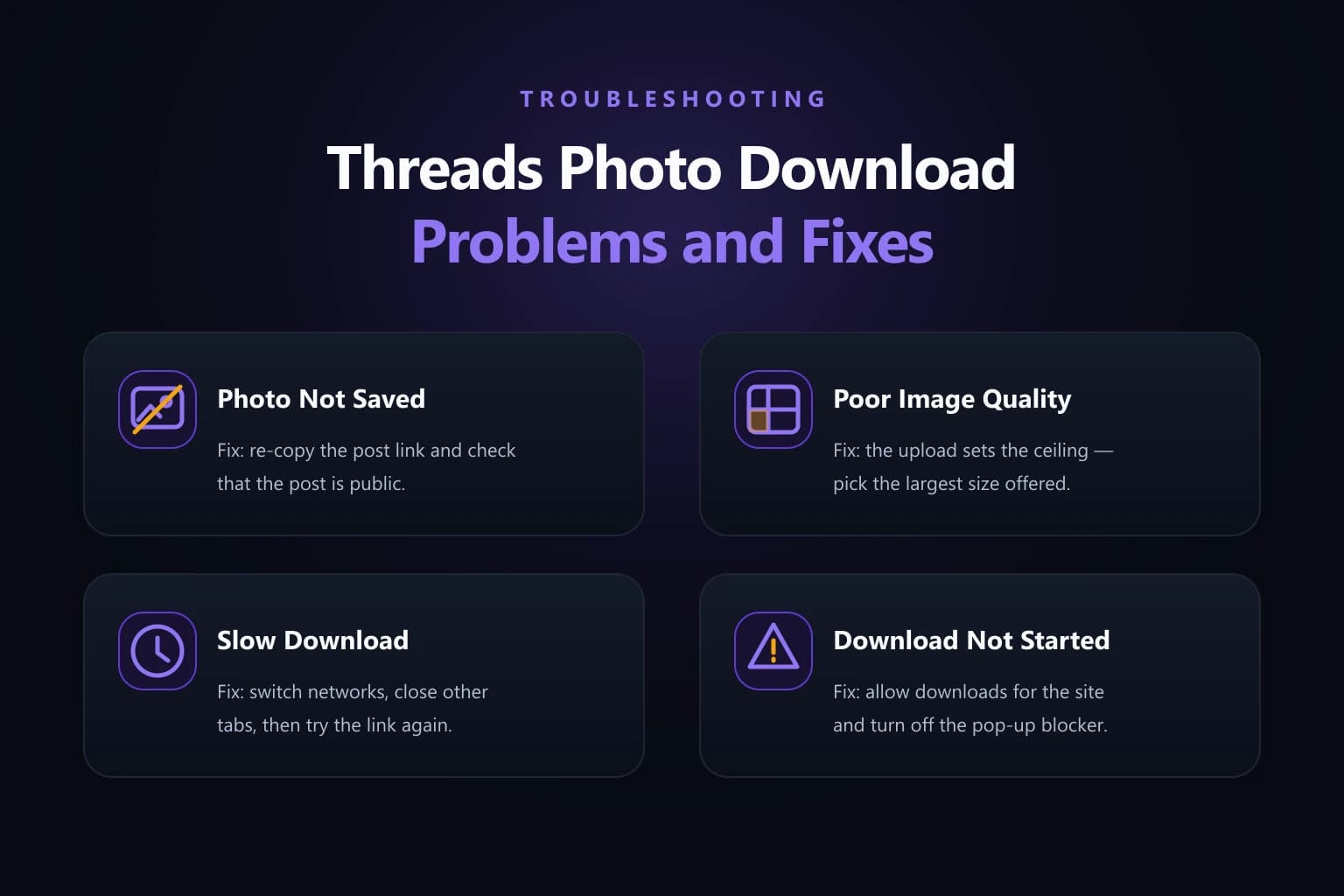
Why a Threads Photo May Not Download

When it fails, check the source post before pasting the same link again. The best single test is to open the copied URL in a signed-out or private window: if the post will not load for a signed-out visitor, no external downloader can reach it either.

Three fixes for a Threads photo that will not download: a profile link instead of a post link, a private post, and a soft source image
06 — Nearly every failed save is one of three things: the wrong kind of link, a post that is not public, or an original that was already soft.
01 / Problem

The link points to a profile rather than a post

Solution
  • Look for /post/ in the address. A profile URL stops at the username and holds no single image to fetch.
  • Open the individual post first, then copy its link from the share icon rather than trimming an address by hand.
  • If the link arrived in a message, delete the words around it so only the URL remains — a truncated link fails exactly like a wrong one.
02 / Problem

The post is private, deleted or restricted

Solution
  • Open the URL in a signed-out or private window. If Threads itself will not show it there, the post is not publicly reachable.
  • Remember that a post you can see as an approved follower is still closed to a web tool, which has no access to your session.
  • Nothing here bypasses privacy settings, and nothing should. If you need the file, ask the person who posted it.
03 / Problem

An ad blocker or extension is interfering

Solution
  • Disable extensions for this site temporarily, then reload and try the same link again.
  • Try the same post in a different browser, or a private window where extensions are usually switched off.
  • Check that your browser is allowed to download files from this site, since a blanket block produces a silent failure.
04 / Problem

No save notification appeared

Solution
  • On Android, swipe down from the top before assuming failure — the download notification is usually already sitting there with the file ready.
  • On iPhone, open the Files app and look in Downloads. The photo most likely arrived; Safari simply does not announce it the way Photos would.
  • On a computer, open the browser's downloads list directly rather than watching for a banner that may have already dismissed itself.
05 / Problem

The saved image looks blurry

Solution
  • Reopen the post in Threads and zoom in. If the image looks soft there too, the upload itself was soft and the download is faithful to it.
  • Confirm you saved the image rather than a preview thumbnail, which is a much smaller file by design.
  • No downloader can restore detail that was never uploaded, so a low-resolution original stays low-resolution after saving.
07 / Access

Public and Private Threads Posts

Public accessibility matters more than most people expect. A web downloader processes the link you give it and nothing else. It does not inherit access from your Threads session, because it never sees that session in the first place.

So you can be signed in, approved to follow a private account, and looking at the photo without any difficulty, and still find that pasting its link produces nothing. That is not a broken link or a broken tool. The post was only ever reachable inside your authenticated session, and an unrelated web tool sits outside it.

Meta describes public Threads content as broadly accessible, while private profiles restrict access to approved followers. There is no way around that here and we would not offer one. If a post is restricted, the honest answer is that an external downloader should not be expected to open it, and the way to get the file is to ask the person who posted it.

The same reasoning applies to deleted posts. Once a post is gone, there is no address left to fetch from, and a downloader has nothing to work with.

08 / Quality

Threads Photo Download in 4K and Full HD

The original upload resolution and the downloaded file resolution shown side by side as identical, with a note that no downloader can add pixels
08 — You receive the pixels the creator uploaded — a downloader can match the original but never exceed it.

One rule settles every quality argument: a downloader gives you the file the post serves and nothing more. If you are hoping for a Threads photo download in 4K, the result still depends on the resolution of the original. An image uploaded below 4K comes back below 4K, because there is nothing else to come back.

This site shows the resolution that is available before you save, so you can check rather than guess. What it will not do is take a small image, print "HD" beside it and hope you do not look — that is blurry wearing a better costume, and it wastes your storage and your time.

The phrase "without watermark" deserves the same care. When we say a download carries no watermark, we mean this tool stamps no branding of its own onto your file. That is a different thing from removing text or logos the creator burned into the image before posting it. Those marks are part of the picture and they come down with it. Any service promising to strip them is either editing the photograph or misdescribing what it does.

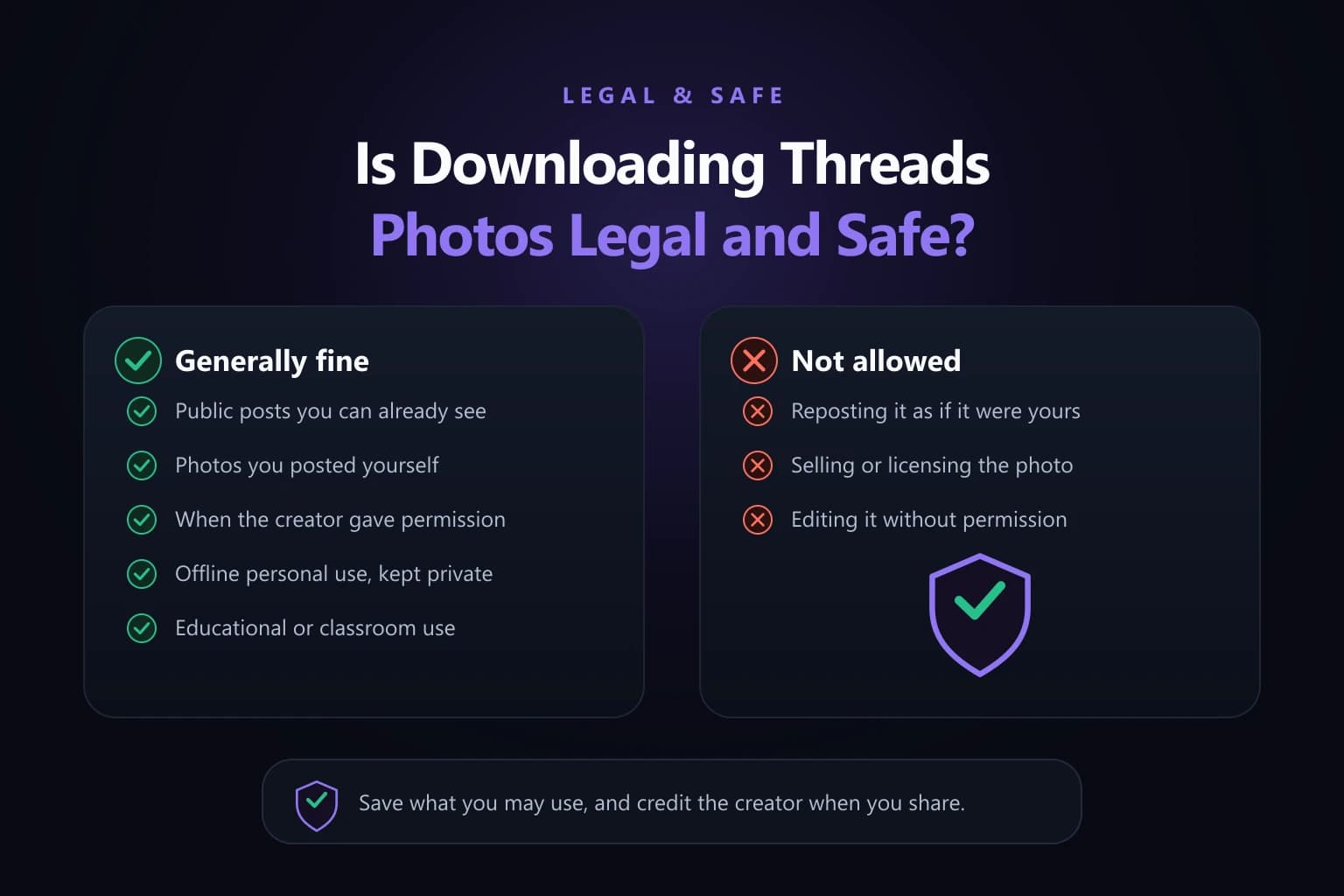
One more point worth being clear about. Saving a file is a long way from being allowed to reuse it. A public post is not public domain, and copyright still applies to a photograph after it reaches your device. Keeping an image for personal reference sits in a very different place from republishing, editing or selling it.

09 / Choice

APK, Extension or Web: Picking Your Route

Search results will happily push a Threads image downloader APK at you. It is worth understanding what you would be trading for it. A side-loaded APK asks for storage and media permissions, sits on your device permanently, and updates outside any app store review. The browser does the same job with none of that, which makes the permissions hard to justify for something you might use twice a month.

A Threads image downloader extension is a more reasonable proposition for somebody saving dozens of images a day on a desktop, because it removes the copy-and-paste step. It is still worth reading what it asks for: an extension that can read and change data on every site you visit has far broader reach than a page you paste a link into.

For occasional saves, the web route is the smallest amount of trust for the same result. Nothing is installed, nothing keeps running after you close the tab, and no permission survives the visit.

Wherever you end up, one rule holds: never enter a Threads or Instagram password into a downloader. Saving a public post requires no credentials whatsoever, and a site asking for them is asking for the whole account rather than the photo.

10 / Tips

Pro Tips for Cleaner Threads Photo Saves

Make a shortcut. Open this site in Safari or Chrome and choose Add to Home Screen. The next time you find a photo worth keeping, the downloader is one tap away instead of a search away, and you are less likely to fall back on a screenshot out of laziness.

Check the resolution line before you save, particularly if you plan to edit or print. Saving first and inspecting later wastes both storage and patience, and the resolution is shown precisely so you do not have to find out afterwards.

Rename as you go rather than in a batch at the end. The default filename comes from the source, so a folder of unrenamed saves is a folder you will have to open one by one.

And keep it kind. A public post is not a free licence. Saving someone's photograph for your own reference is one thing; reposting it as though it were yours is another, and asking first costs nothing. Credit is not a substitute for permission, but it is a great deal better than neither.

11 / FAQ8 entries

Threads Image Downloader FAQs

The questions that come up most often when a Threads photo will not save.

01Is a Threads image downloader free to use?

The web app on this site costs nothing to use. There is no account to create, no trial that expires and no payment step hidden behind the download button. You paste a public post link and save the photos it contains.

02Can I save every photo in a carousel at once?

The tool lists each image in the post separately, so you save them one at a time rather than as a single archive. Ten taps for ten full-resolution JPGs still beats ten screenshots, and each file keeps the resolution the creator uploaded instead of being capped at your screen size.

03Do downloaded Threads photos carry a watermark?

This site adds nothing to your file. Marks the creator embedded in the original image do remain, because they are part of the photograph rather than something laid over it. A tool that claims to remove those is editing the picture, not downloading it.

04Can I download images from a private Threads account?

No. Only publicly accessible posts can be fetched. A web tool has no access to your signed-in session, so a post visible only to approved followers is out of reach even while you are looking at it. If the link will not load in a signed-out window, no downloader can retrieve it.

05What format do Threads photos save in?

JPG, at the resolution the post serves. Carousel images arrive as individual files rather than a merged strip, so each one can be used, edited or printed on its own.

06Does the tool keep a copy of my saved photos?

No. There is no login and no library of your activity, and files transfer through your own browser straight to your device. Nothing is kept for you to come back to, which is also why you should save the file properly the first time.

07Why does the downloader say my Threads link is invalid?

Usually because the URL points to a profile rather than a post, is incomplete, or has stray text around it. Go back to the original post and copy a fresh link from the share icon instead of editing the address by hand. People who arrive here after searching for a threads photo downloder that works almost always find the link was the real problem.

08Is it legal to download a photo from Threads?

That depends on the image and on what you do with it, and nothing here is legal advice. Saving a file is not the same as being allowed to reuse it. A public post is not public domain, and copyright can still apply. Keeping a photo for personal reference sits in a different place from republishing, editing or selling it.

12 / Summary

Save the Photo Using the Correct Post Link

Open the individual Threads post, copy its link, paste that URL into the downloader on this site, and save each JPG. That is the entire procedure, and the saves that work are doing exactly this and nothing more.

When one fails, work through it in the same order. Check the link first: does it contain /post/, and is it complete? Then check whether the post is reachable at all by opening it in a signed-out window. Then check where your browser actually filed it, because a photo you cannot find has usually arrived rather than failed.

Two limits are worth remembering, because no tool removes them. Only public posts can be fetched, and the original upload sets the quality ceiling. Everything else is just copying a link correctly.